Launch & Grow landing pages
→
Create Amazon Landing Pages & Collect Email Addresses
→
Shorten, Brand & Track URLs Driving Traffic to Amazon
→
Boost Off-Amazon Marketing Efficiency via Chatbots
Start Free Trial
4.5/5 average rating based on 100+ reviews
Trusted by the Leading Amazon Experts
Solutions Built to Fuel Your Amazon Sales Growth
From boosting off-amazon advertising performance to supercharging the Amazon flywheel, accelerate your Amazon Seller business with our solutions.
Custom Amazon Landing Pages
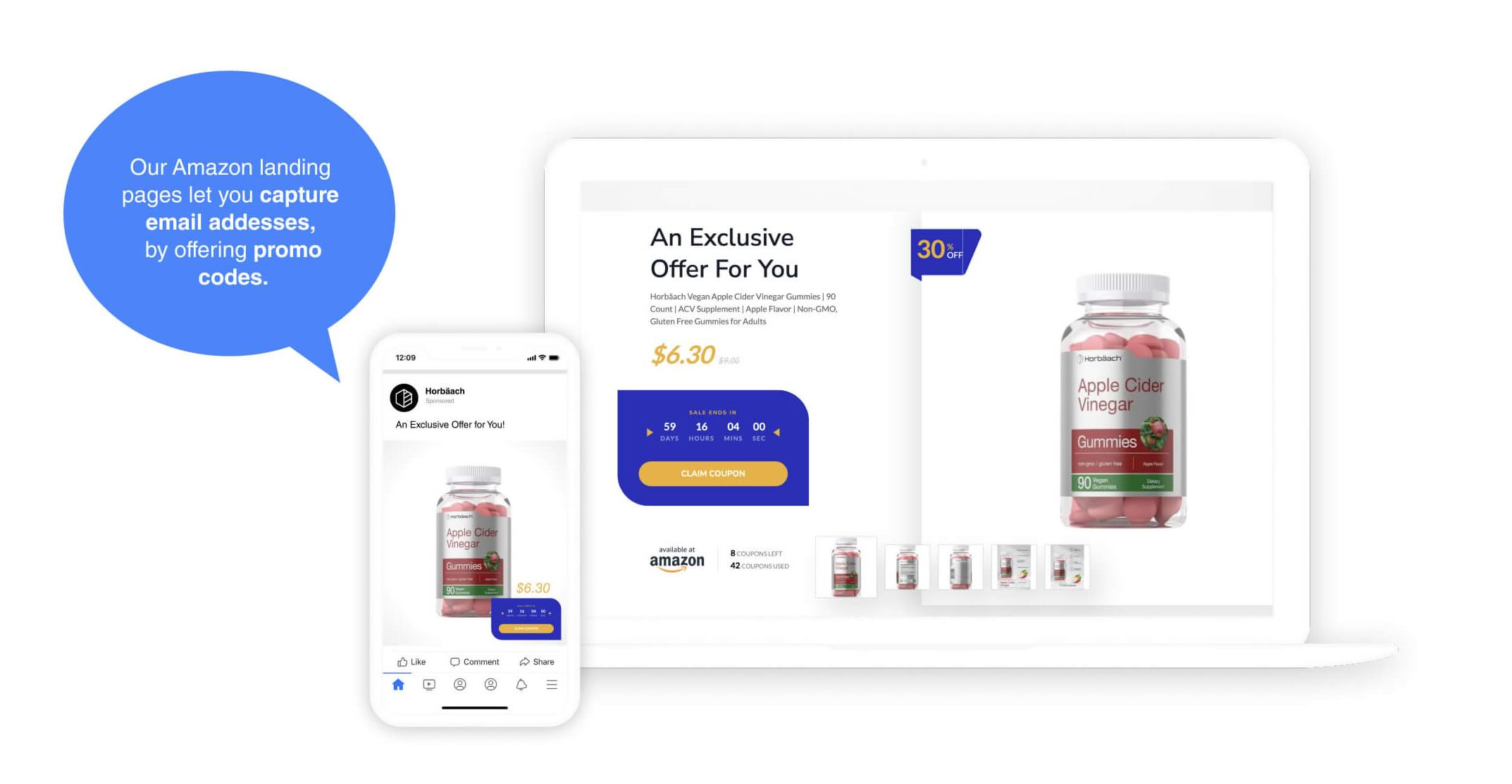
Custom Amazon landing pages that let you capture email addresses from your customers, by offering single-use promo codes , group promo codes or other promotions.
Learn More
Custom Amazon Landing Pages
Setup on your own domain
Possible to add Meta Advertising Pixel
Collect Customer Email Addresses
Learn More
Messenger Bots
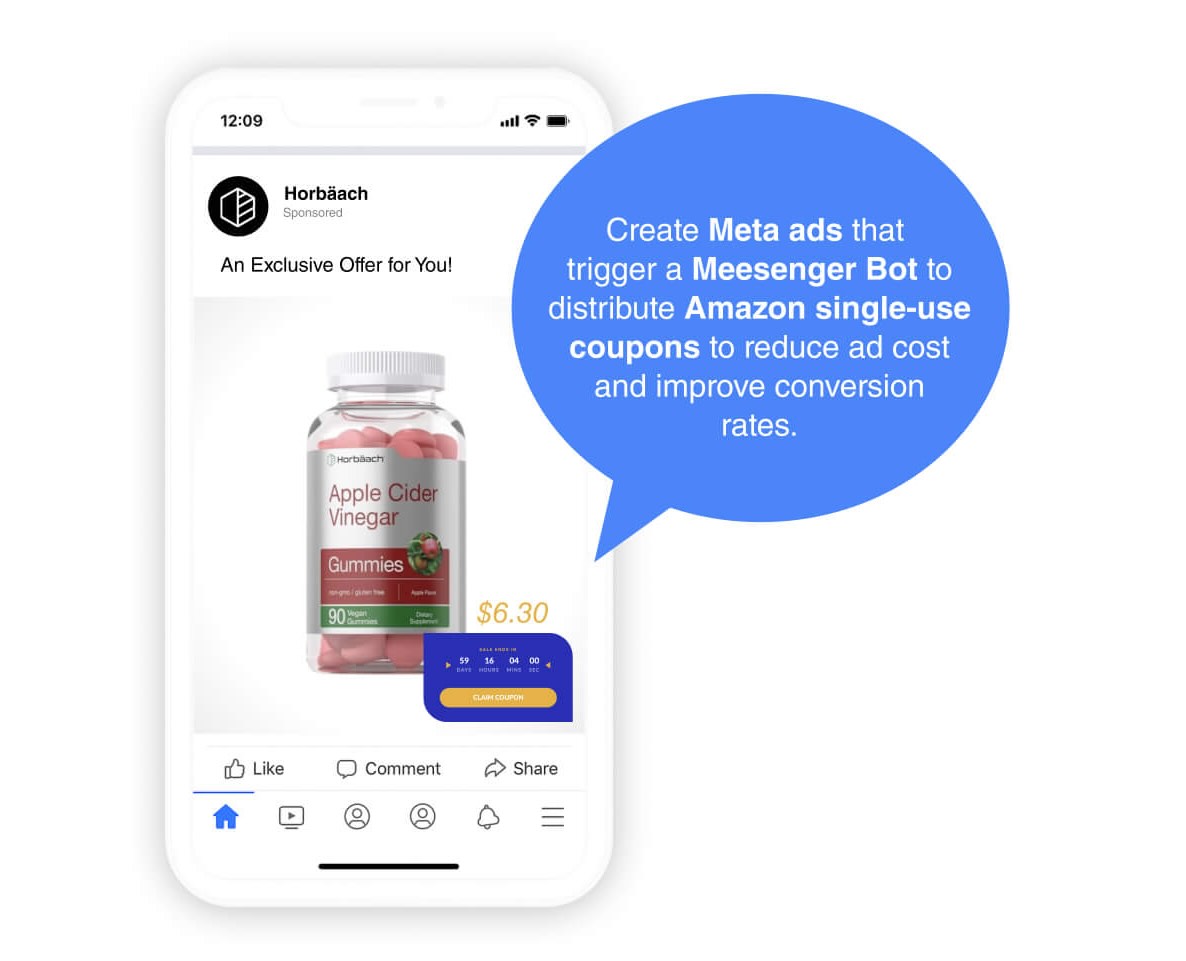
Scale your Amazon business and build a Messenger list by sending coupon codes to shoppers via Facebook Messenger Chatbots .
Learn More
Messenger Bots
Messenger boasts a 4x higher open rates, and 3-12x higher CTR than email
Keeping people inside the Meta ecosystem reduces friction & reduces cost per conversion
Learn More
URL Shortener
Create branded short links with retargeting pixels and integrate off-Amazon ad campaigns with Amazon Attribution in one click.
Learn More
URL Shortener
Use your own domain in links and start building your brand
View all external traffic in our link management platform
A short link is easier to remember, type & share
Learn More
Integrations
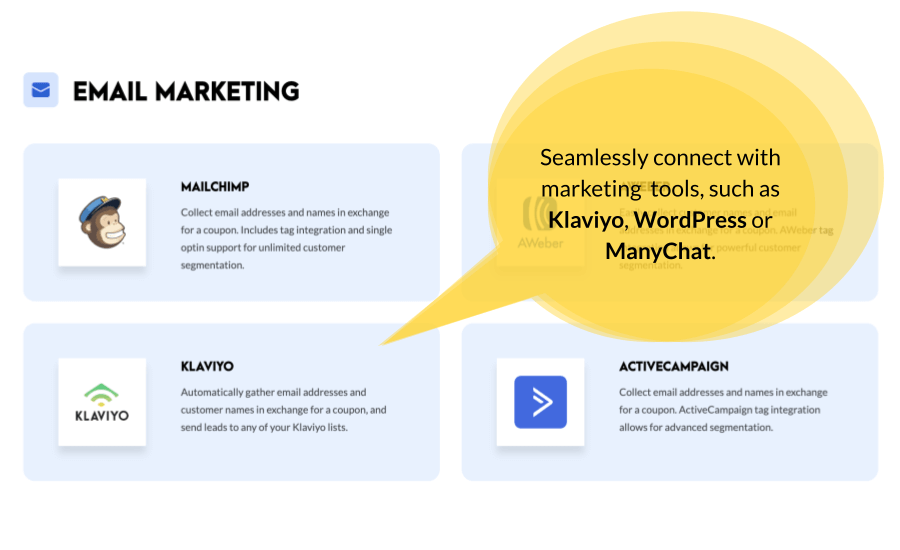
LandingCube's deep library of integrations makes it easy to connect with other marketing tools .
Learn More
Integrations
Messengers: Facebook Messenger & ManyChat
Email: Mailchimp, Klaviyo & More
Analytics: GA, Meta Pixel & More
Websites: Wordpress & More
Learn More
Start Free Trial
How LandingCube Works
VIDEO
The Tools You Need to Dominate Your Niche
Ecommerce Tools for Serious Sellers
The recipe for
Stop chasing your competition, and watch them start chasing you, with the tools of million dollar sellers.
View Plans & Pricing
WATCH DEMO